Mobile app security checklist before launch (OWASP MASVS made simple)
A mobile app security checklist for small teams, based on OWASP MASVS: secrets, server checks, tokens, TLS, SDKs and release builds to verify before launch.
Before launch, make sure the app contains no secret keys, your server checks permissions on every request, tokens are protected by the iOS Keychain or the Android Keystore and all traffic uses TLS. Then audit your SDKs, keep personal data out of logs, ship a clean release build and publish a way to report vulnerabilities. Those checks cover the core of OWASP MASVS; pay for a penetration test once the app holds health, financial or other sensitive data.
Many apps that leak data are not broken into by clever attackers. They ship with a key anyone can pull out of the app, or they talk to a server that believes whatever the app tells it. This mobile app security checklist closes those two gaps first, then covers the rest of what OWASP’s mobile standard, MASVS, expects before you publish.
I build apps end to end, from the screens to the server, and the server is the half I would watch most closely: a phone app is a window onto your data, and the server decides who may look through it.
The list is for small-team business owners having an app built by a developer, an agency or an AI tool. No code reading needed: the last section turns each check into a question for whoever builds it. It is the security chapter of my guide to launching a mobile app.
OWASP MASVS in plain words
OWASP, the Open Worldwide Application Security Project, is a non-profit foundation that publishes free security standards. Its Mobile Application Security Verification Standard (MASVS) sets out what a secure iOS or Android app should do. Version 2 holds 24 controls in eight groups, and its 2.1.0 release, in January 2024, added the privacy group.
| MASVS group | What it covers, in plain words | Checks below |
|---|---|---|
| STORAGE | Sensitive data kept on the phone or in the app, and how it leaks | 1, 6, 7 |
| CRYPTO | Current encryption, with keys kept in the platform’s keystore | 6 |
| AUTH | Sign-in, permissions, extra checks for sensitive actions | 2, 4, 5 |
| NETWORK | Encrypted traffic, and pinning where it is justified | 9, 10 |
| PLATFORM | Links and data exchanged with other apps, WebViews, what the screen shows | 3, 8 |
| CODE | Supported OS versions, safe components, updates, input checks | 3, 11, 15 |
| RESILIENCE | Making tampering and reverse engineering slower | 12, 13, 14 |
| PRIVACY | Collecting less, saying what you collect, giving users control | 7, 8 |
Two notes. MASVS assumes your servers meet their own standard (OWASP’s ASVS covers web apps and APIs), so a well-built app on top of an open API still leaks. And OWASP tags the underlying weaknesses with profiles: a key hard-coded in the app or unencrypted traffic counts for every app (L1), pinning and forced updates for apps with more sensitive data (L2), obfuscation and attestation for apps worth tampering with (R).
The mobile app security checklist: secrets and server-side rules first
1. No secrets inside the app
Anything you ship in an app can be extracted, including keys tucked into a configuration file or injected at build time. The OWASP Mobile Top 10, whose 2024 edition is still current, files hard-coded credentials under its first risk, M1 (improper credential usage). A key that only identifies your project, such as a Firebase configuration key or a maps key restricted to your app, can stay in the app. A key that spends money or gives access to data, such as the secret key of a payment, AI or email provider, belongs on a server. My guide to API keys in mobile apps shows how to move them behind a small backend.
2. The server checks permissions on every request
Hiding a button in the app does not stop anyone calling your API directly with a modified request. For every request, the server must check who is asking and whether that person may read or change that record. OWASP’s API Security Top 10 (2023) ranks this failure first, as broken object level authorisation: change the ID in a request, receive someone else’s invoice. If your app talks straight to Firebase or Supabase, the database rules are your server, and my tutorial on checking Firebase and Supabase rules shows how to test them as a stranger would.
3. Treat everything that reaches you as untrusted
Validate input on the server even when the app has checked it already: types, lengths, allowed values, file types. In the app, treat deep links, notification payloads and pages loaded in WebViews as if they came from strangers, because they can. A link such as yourapp://pay?amount=500 should open a screen the user confirms, never complete an action by itself.
Sign-in, tokens and data on the phone
4. A proven sign-in standard
Use OAuth 2.0 and OpenID Connect through the system browser with PKCE, as RFC 8252 and RFC 7636 describe, or the SDK of an established identity provider. Avoid sign-in pages inside a WebView: the system browser keeps the password out of your app’s reach. Never invent your own token format.
5. Short-lived tokens, real sign-out, a second check for sensitive actions
Access tokens should expire in minutes or hours, not months, and refresh tokens should be revocable on the server, so that “sign out of all devices” and a password change cut access. Ask for the password, a passkey or Face ID again before someone changes the email address, pays or deletes the account. When Face ID or a fingerprint protects something, it should release a key held by the system, not just set a yes-or-no value in the code.
6. Tokens in the Keychain or the Keystore, nowhere else
On iOS, keep tokens and other credentials in the Keychain; on Android, encrypt them with a key held by the Android Keystore, as OWASP recommends (M9, insecure data storage). Plain preferences such as UserDefaults, SharedPreferences or AsyncStorage can be read on a compromised phone or copied into a backup. Any encryption the app does should use current algorithms from the platform’s libraries, never a home-made scheme.
7. Nothing personal in logs, analytics or crash reports
Debug logging written during development often survives into the release. Before launch, search the code for logs that print tokens, email addresses, locations or whole server responses, and check what your analytics events and crash reports (Crashlytics, Sentry and the like) send.
8. Ask for less, and hide sensitive screens
Request only the permissions a feature needs, when it needs them, and collect only the data you use. What you collect must match what you declare in the stores, which my tutorial on Apple’s privacy labels and Google Play’s Data safety section covers. On screens showing health, banking or identity data, hide the content when the app goes to the background, and on Android block screenshots with FLAG_SECURE.
Network traffic: TLS by default, pinning with care
9. HTTPS for everything, with the platform defaults left on
On iOS, App Transport Security blocks plain HTTP unless the app switches it off; Apple asks for a justification at App Review when an app sets NSAllowsArbitraryLoads, and says it is usually better to upgrade the server. On Android, cleartext traffic has been disabled by default since Android 9 (API level 28), unless the app opts back in. If your developer has added either exception, ask why.
10. Certificate pinning only if you can maintain it
Pinning makes the app accept only your server’s key, which defeats some interception attacks; OWASP’s profiles list it for apps with more sensitive data (L2), such as banking apps. The catch, spelled out in Android’s documentation: without a backup key, a change of key or certificate authority forces you to publish an app update before users can connect again. If nobody will own that calendar, leave pinning out and rely on TLS with the platform defaults.
Third-party SDKs and the release build
11. Know every SDK in the app, and keep them updated
Analytics, ads, payments, chat, crash reporting: each SDK is someone else’s code running with your app’s permissions. Apple says it plainly on its third-party SDK requirements page: “you are responsible for all the code the SDK includes in your app”. Since 1 May 2024, Apple has required the privacy manifest of any SDK on its list of commonly used SDKs, plus a signature when that SDK ships as a binary, in new apps and in updates that add one. Keep a list of SDKs and libraries with their versions, remove the ones you no longer use, and switch on dependency alerts in your code repository (risk M2 in the Top 10).
12. Ship a clean release build
The release build must not be debuggable, and it must not carry test accounts, staging server addresses, hidden admin or debug menus, or verbose logging. OWASP counts debugging features left in release builds as security misconfiguration (M8).
13. Shrink and obfuscate the code, as a speed bump
On Android, R8 shrinks and optimises release builds and renames classes and methods, which makes decompiled code harder to follow; cross-platform frameworks such as Flutter have their own options. Treat this as a speed bump that costs an attacker time, not as a lock: anything worth protecting belongs on the server.
14. Prove requests come from your genuine app, and check it on the server
Google’s Play Integrity API, Apple’s App Attest and Firebase App Check help your server confirm that a request comes from your genuine app on a genuine device, which slows down bots, fake clients and modified copies of the app. Apple’s documentation explains why the verdict belongs on the server: “You can’t rely on your app’s logic to perform security checks on itself because a compromised app can falsify the results.” Not every device supports these services, so decide what the server does when the check is unavailable.
After launch: updates and a way to report vulnerabilities
15. An update path you control
Decide the oldest iOS and Android versions you support, and raise that floor as old versions stop receiving security updates. Before launch, build a way to force an update, such as a minimum version below which your server refuses requests, so that a serious flaw can be closed for everyone. Google Play’s in-app updates and a version check at start-up both do the job.
16. A published way to report vulnerabilities
MASVS does not require one, but the law is catching up. As of 19 October 2026, the EU Cyber Resilience Act (Regulation (EU) 2024/2847) has required manufacturers since 11 September 2026 to report actively exploited vulnerabilities and severe incidents (Article 14): an early warning within 24 hours, then a notification within 72 hours, through ENISA’s Single Reporting Platform. From 11 December 2027, its vulnerability handling rules (Annex I, Part II) add a coordinated disclosure policy, a way for anyone to report a flaw, a software bill of materials and prompt security updates. The European Commission’s guidance of July 2026 says a standalone mobile app can be in scope, and the Act covers apps on the EU market even when the developer is based in London or New York.
In the UK, the government’s voluntary code of practice for app store operators and app developers (December 2022, updated October 2023) already asks for a vulnerability disclosure process that people can reach from the app store. In practice: a security address such as security@yourdomain, a short page or a security.txt file (RFC 9116) explaining how to report, a link from your store listing, and a named person who reads it. My article on the Cyber Resilience Act and apps has the details. This is general information, not legal advice: if your app handles health, financial or children’s data, or you are unsure whether you count as a manufacturer, an hour with a lawyer who knows EU product rules is money well spent.
Testing before launch: free tools first, a paid test when it is worth it
Start with what costs nothing. MobSF (Mobile Security Framework), a free open-source tool, scans an Android APK or an iOS IPA for hard-coded secrets, risky settings and over-broad permissions, and can analyse an app while it runs. OWASP’s testing guide, the MASTG, comes with checklists that let a tester tick off each MASVS control.
A paid penetration test earns its cost when the app holds health, financial or children’s data, takes payments outside the stores’ own systems, serves a business client whose security questionnaire asks for one, or expects a large audience at launch. Ask the tester to work against MASVS, so the report maps to the standard. If partners want proof, the App Defense Alliance runs an assessment called MASA, carried out by authorised labs against MASVS, and apps that pass can show a badge in their Google Play Data safety section; check its current rules first.
Before you sign off: eight questions for your developer
- Is there a key in the app that would cost us money or expose data if extracted?
- If I change a user or record ID in a request, does the server refuse it? Can you show me?
- Where are tokens stored on the phone, how long do they last, and does signing out revoke them?
- What do our logs, analytics and crash reports contain?
- Have we added any ATS, cleartext or pinning settings, and who maintains them?
- Which SDKs are in the app, at which versions, and who updates them?
- Is the release build free of test accounts, staging addresses and debug menus?
- How do we force an update, and where can someone report a vulnerability?
If the answers come back vague, that is an answer too: get a second opinion before launch. For the rest of your company’s security, from passwords to backups, start with my cybersecurity guide for small teams.
Frequently asked questions
What is the difference between OWASP MASVS and the OWASP Mobile Top 10?
Should my app block rooted or jailbroken phones?
Do Apple and Google check my app's security during review?
How often should I repeat this checklist?
Is an app built with an AI tool less secure?
Joana MehouWeb designer, SEO and cold emailing specialist
Joana Mehou has been building websites since the age of eleven and founded MLK Web Studio in 2021, between London and Paris: websites, SEO, cold emailing and automation for small businesses in the UK and France, with honest advice, including when you do not need to hire anyone.
More about the studioInternal tools and automations built around how your business actually works.
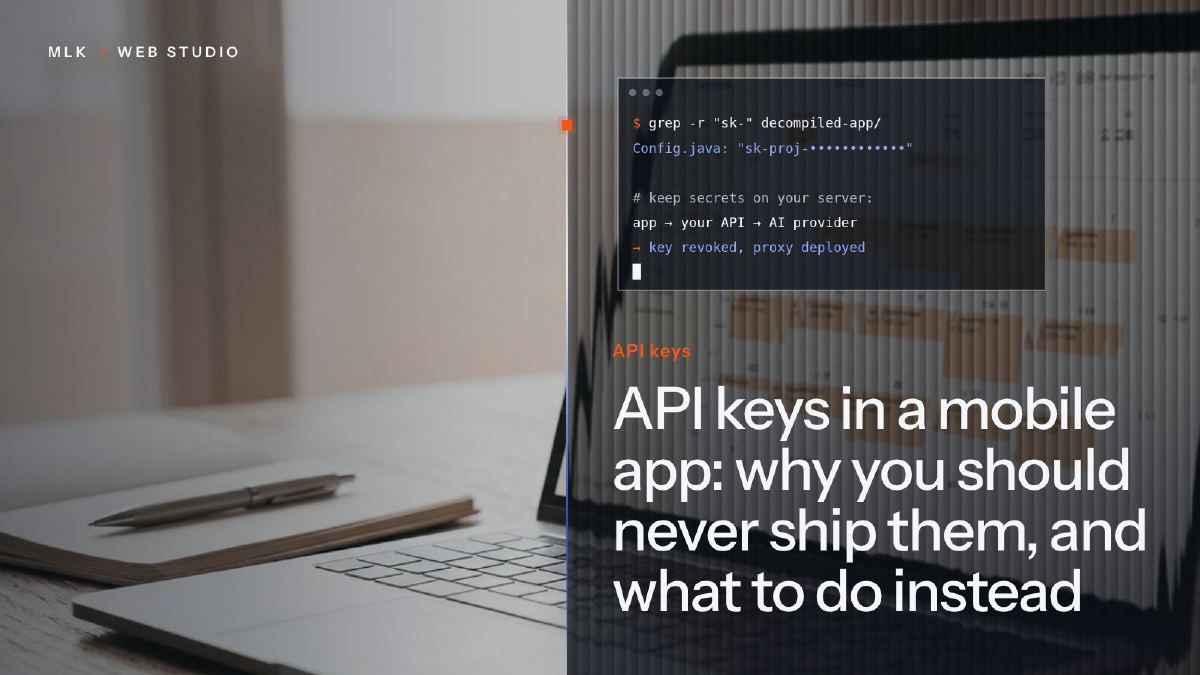 API keys in a mobile app: why you should never ship them, and what to do instead
API key security in a mobile app: why OpenAI, Claude or Stripe secret keys must never ship inside your app, and the small server setup to use instead.
API keys in a mobile app: why you should never ship them, and what to do instead
API key security in a mobile app: why OpenAI, Claude or Stripe secret keys must never ship inside your app, and the small server setup to use instead.
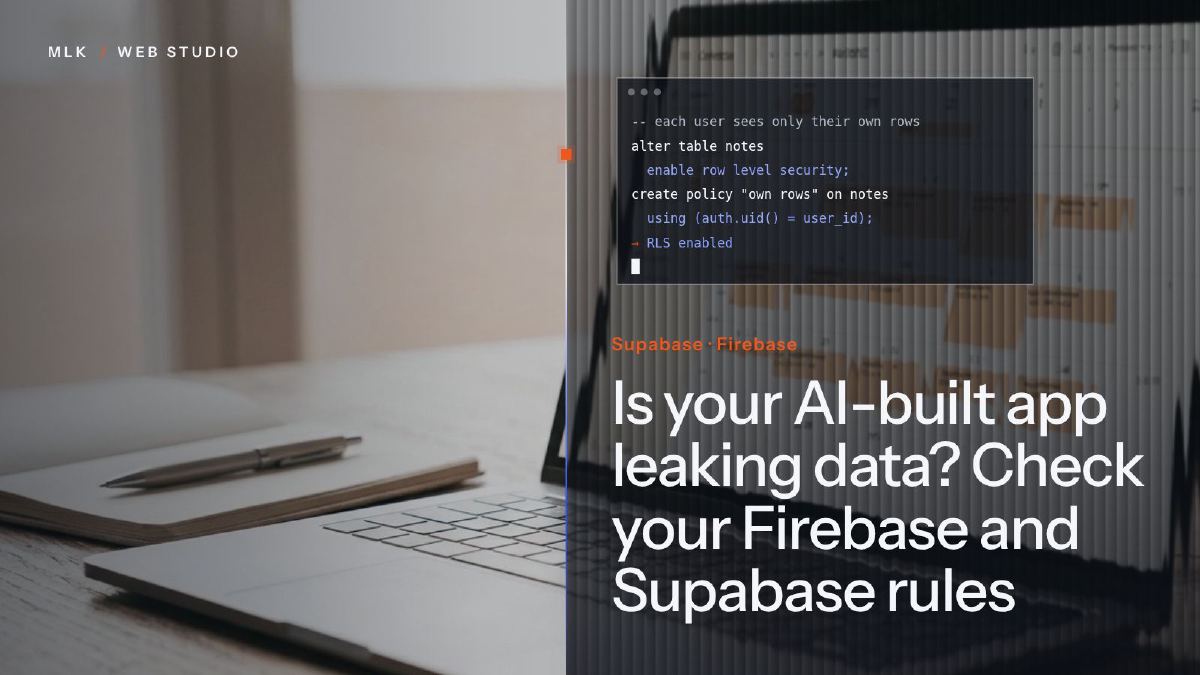 Is your AI-built app leaking data? Check your Firebase and Supabase rules
Supabase row level security and Firebase rules decide who can read your AI-built app's data. Test your app the way a stranger would, then close the gaps.
Is your AI-built app leaking data? Check your Firebase and Supabase rules
Supabase row level security and Firebase rules decide who can read your AI-built app's data. Test your app the way a stranger would, then close the gaps.
 The EU Cyber Resilience Act and your app: what has applied since September 2026, and what comes in 2027
Since 11 September 2026, the Cyber Resilience Act has made app makers report exploited flaws within 24 hours. What applies to your app and what comes in 2027.
The EU Cyber Resilience Act and your app: what has applied since September 2026, and what comes in 2027
Since 11 September 2026, the Cyber Resilience Act has made app makers report exploited flaws within 24 hours. What applies to your app and what comes in 2027.