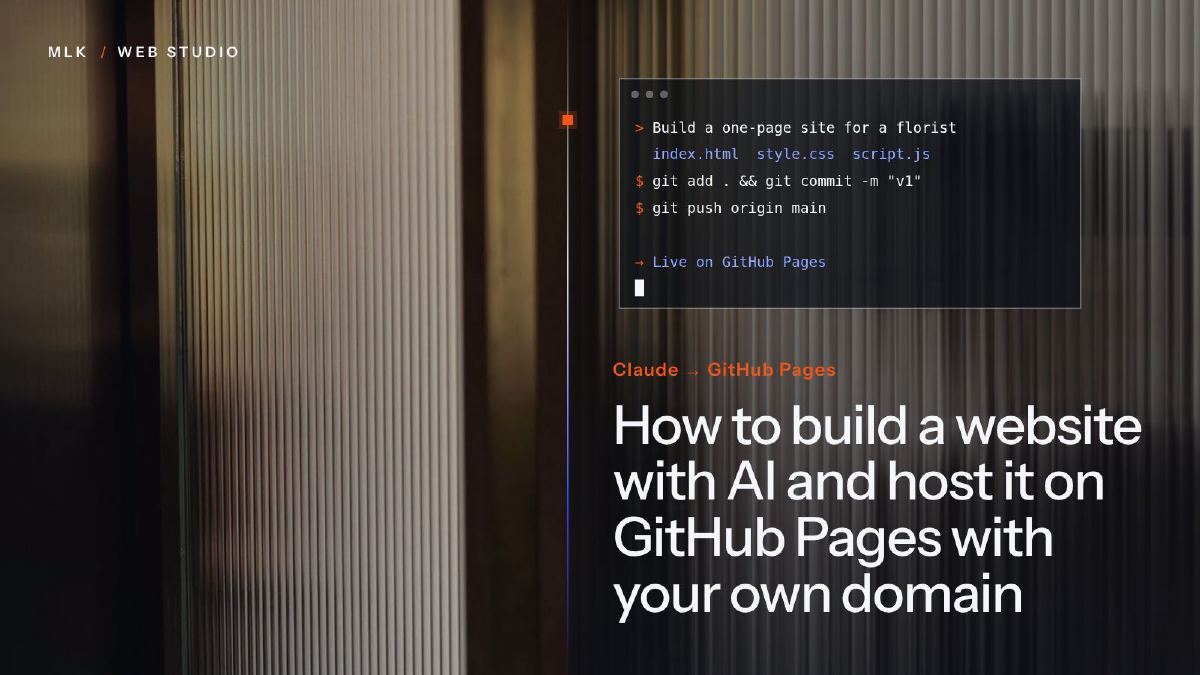
How to build a website with AI and host it on GitHub Pages with your own domain
Build a website with AI step by step: Claude writes the pages, GitHub Pages hosts them for free, and you connect your own domain with HTTPS. Limits included.
To build a website with AI, give an assistant such as Claude a precise brief, ask for a static site in plain HTML and CSS, and check every word before it goes live. Upload the files to a public GitHub repository, publish them with GitHub Pages, verify your domain in GitHub, point it there with four A records and a www CNAME, then tick Enforce HTTPS. Hosting is free and the domain is your only fixed cost, but GitHub Pages suits a brochure site, not a shop.
This tutorial shows how to build a website with AI that you own outright: Claude writes a small site in plain HTML and CSS from your brief, GitHub Pages hosts it for free, and your own domain points to it over HTTPS. I give the exact GitHub menus and DNS records as they stand in October 2026, and the limits that rule this route out for some businesses.
I usually steer solo owners away from WordPress and Webflow: both take a long time to learn and turn you into your own webmaster, and every client who came to me from WordPress wanted to leave it because of its complexity and its plugins. Webflow is fine if someone handles your changes for you, but at this point it is easier to build a site with AI and host it on GitHub, Spaceship or elsewhere. This website runs on Hugo and GitHub Pages, and this tutorial belongs to my complete guide to small business websites.
Three ways to build a website with AI
“Build a website with AI” covers three routes, which differ in who owns the code, who can change it and what you pay each month.
| AI assistant + GitHub Pages | AI website builder | Vibe-coding app builder | |
|---|---|---|---|
| Examples | Claude, then GitHub Pages | Wix Harmony, Squarespace Blueprint AI, Spaceship’s Alf Website Studio | Lovable, Bolt, v0 |
| What you get | HTML and CSS files you own | A site inside the builder’s editor | A web app, usually React or Next.js |
| How you edit | Change the files, or ask the AI | Drag and drop, or chat | Chat with the builder |
| What it costs | Free hosting, plus the domain | A monthly plan | A free tier, then a monthly plan metered in credits or tokens |
| Moving elsewhere | Any host serves the files | Limited: Wix says its sites cannot be exported, Squarespace exports only part of the content | Usually, via GitHub or an export, often with a developer |
This tutorial follows the first route, which suits a brochure site: home, services, about, contact and legal pages. It does not suit three situations:
- You sell online. GitHub’s rules exclude shops (see the limits below).
- You need logins, bookings or payments. That is an app, and my guide on how to build an app with AI explains where a DIY project should stop.
- You want to edit your site like a document. A builder suits you better: Squarespace is the one I give clients who look after their own site, and my Squarespace vs WordPress comparison explains why.
What you need before you start
- An AI assistant. I use Claude: in my work, ChatGPT makes things up a bit too often, while Claude, Fable 5.1 in particular, has been extremely accurate (see my Claude vs ChatGPT comparison). The free plan, which uses the Sonnet and Haiku models rather than Fable, is enough to start.
- A free GitHub account. On the free plan, the repository holding your site must be public: anyone can read its files, only you can change them.
- A domain name. I use Spaceship out of habit, and trust Namecheap, which built it. At the time of writing (October 2026), a .co.uk costs about £4 ($5.42) a year on Spaceship’s domains page and renews at the same price.
- Your content: services, areas, phone, address, logo, legal details and photos. When a client has none, I generate or buy photos, but real pictures of your work are better.
Step 1: have Claude write the site from a precise brief
An AI-built site is only as good as its brief. For clients, I start with questions about the company, its offer and the clients it prefers, then work on identity, layout, keywords and copy, reworking them with AI until I am satisfied. Follow the same order on a smaller scale.
Write the brief before you open Claude
Answer these questions in a text file:
- Who are your clients, and what do they ask for most often?
- Which pages do you need? Usually: home, services, about, contact, legal notice and privacy.
- What should a visitor do: call, email or visit you?
- Which words do clients type into Google to find a business like yours? Each page should answer one of those searches.
- Which facts can the site state: services, areas, opening hours, prices if public, accreditations?
Ask for plain files, with no framework
Then paste your answers into Claude with a prompt like this one:
Build a small business website as static files.
Business: [name], [trade] in [town], serving [area].
Clients: [who they are, what they ask for most].
Pages: Home, Services, About, Contact, Legal notice, Privacy.
Main action: call [phone] or email [address].
Tone: plain UK English, direct, no hype.
Use only these facts and invent no reviews, figures or dates:
[services, areas, opening hours, prices if published].
Plain HTML and CSS: no framework, no build step, no external
scripts. index.html at the top level, one file per page,
one styles.css, an images folder. Relative links only.
Mobile first. Each page: its own title, meta description
and a single H1. Give me every file in full.
Three lines matter most:
- No framework, no build step. GitHub Pages serves files as they are, while Lovable, Bolt and v0 mostly produce React or Next.js projects that need building first.
- Relative links. A repository not named
<username>.github.iois published athttps://<username>.github.io/<repository>/until your domain is connected, so a link to/styles.csswould miss its target. - No invented facts. Left alone, an AI fills gaps with a founding year, five-star reviews or a guarantee you never offered.
Check every line before you publish
Download Claude’s files into one folder and double-click index.html to open the site in your browser; narrow the window to check the mobile layout. Then read every page as a client would: delete anything you cannot prove, check the phone number digit by digit, and ask for one change at a time, keeping a copy of each version that works.
Google judges the page, not the tool: its guidance on AI-generated content asks for accuracy and quality, and warns that mass-producing pages without value for readers can breach its spam policies. Since 1 October 2026, it also calls it critical to fact-check and review all AI-generated content by hand before publishing, metadata included.
Step 2: put the files in a GitHub repository
A repository is a folder on GitHub that holds your files and the history of every change.
- Create a free account on github.com. Choose the username with care: it appears in your default address,
<username>.github.io. - Click + at the top right, then New repository. Name it
<username>.github.io, in lower case: GitHub publishes that repository at the root of your default address. - Set the visibility to Public, switch Add README on so the repository does not start empty, and click Create repository.
- Open Add file > Upload files and drag in the contents of your site folder, not the folder itself, so that
index.htmlsits at the top level. The upload page takes up to 100 files at a time and 25 MB per file. - Add a short message, keep the option to commit directly to the main branch and click Commit changes.
Step 3: publish the site with GitHub Pages
- In your repository, click Settings, then Pages in the sidebar, under “Code, planning, and automation”.
- Under Build and deployment, set Source to Deploy from a branch.
- Choose the main branch and the / (root) folder, then click Save.
- Wait: GitHub says changes can take up to 10 minutes to publish. Then click Visit site on the same page.
From then on, every file you change in the repository goes live on its own, a few minutes later.
With a site generator such as Hugo, choose GitHub Actions as the source instead: a ready-made workflow builds and publishes the site (Jekyll, which GitHub Pages builds by itself, also works from a branch). My own site works that way, and among my client sites, Edenel Nettoyage runs on Hugo, two of Pilotech’s sites on Jekyll, and Edenel Patrimoine is plain HTML.
Step 4: connect your own domain to GitHub Pages
Order matters: verify the domain, add it to the repository, and only then point your DNS at GitHub. Verification stops other GitHub users from publishing on your domain, and pointing the DNS first could let someone else host a site on one of your subdomains. The records go in your DNS host’s panel, usually at your registrar: at Spaceship, in Advanced DNS, under the custom records.
Verify the domain in your GitHub account
- Click your profile picture at the top right, then Settings: your account’s settings, not the repository’s.
- Click Pages in the sidebar, then Add a domain.
- Type your domain, for example
yourbusiness.co.uk, and click Add domain. - GitHub shows a TXT record named
_github-pages-challenge-<username>, with a code as its value. Create it at your DNS host. - Back on GitHub, click Verify. DNS changes can take up to 24 hours; if you have left the page, the … menu next to the domain offers Continue verifying.
Keep that TXT record for good: GitHub needs it to keep the domain verified.
Add the domain to the repository
In the repository’s Settings > Pages, type your domain under Custom domain and click Save. When you publish from a branch, GitHub adds a file named CNAME to the repository: leave it there. A failed DNS check is normal at this stage, until the records below are in place. You can save the bare domain or the www version: once those records cover both, GitHub redirects one to the other.
Create the DNS records
First delete whatever your registrar set by default on the bare domain and on www (parking page, redirect, A, AAAA, ALIAS or CNAME records), but keep the MX and TXT records that run your email. Then create these:
Type   Host                                 Value
TXT    _github-pages-challenge-<username>   the code GitHub gave you
A      @                                    185.199.108.153
A      @                                    185.199.109.153
A      @                                    185.199.110.153
A      @                                    185.199.111.153
AAAA   @                                    2606:50c0:8000::153
AAAA   @                                    2606:50c0:8001::153
AAAA   @                                    2606:50c0:8002::153
AAAA   @                                    2606:50c0:8003::153
CNAME  www                                  <username>.github.io.
These values come from GitHub’s custom domain documentation at the time of writing. The AAAA records (IPv6) are optional; GitHub advises keeping the A records alongside them. The www record never includes the repository’s name.
Two details catch people out. The final dot: some panels expect a CNAME target to end with one, others add it for you. That dot is the only real issue I have hit with Squarespace and OVH domains, and my guide to DNS records explains why it matters. Once the www record is saved, look it up with any online DNS lookup: if the target reads <username>.github.io.yourbusiness.co.uk, your panel added your domain to it and the dot was needed. And no wildcard: GitHub strongly advises against a * record, which exposes you to takeovers even on a verified domain.
Turn on HTTPS
Once its DNS check passes, GitHub requests a certificate from Let’s Encrypt. Tick Enforce HTTPS in Settings > Pages; the option can take up to 24 hours to appear. If the certificate seems stuck, click Remove next to the domain, type it again and click Save to restart. If the browser then reports mixed content, ask Claude to change every http:// address in the pages to https://.
What GitHub Pages will not do
GitHub Pages is generous for a brochure site, but its usage limits draw clear lines.
- No online business. GitHub does not allow Pages as free hosting for a shop, an online business or software sold as a service, and says a Pages site should not handle passwords or card numbers.
- No server code. No PHP, Ruby or Python: a contact form needs an outside form service, while a phone number and an email link need nothing. At Pilotech, enquiries arrive through both forms and calls, so give the number as much space as the form.
- Size. Up to 1 GB per site and a soft limit of 100 GB of traffic a month: far more than a brochure site needs.
- Visitor logs. GitHub logs visitors’ IP addresses for security purposes: name GitHub as your host in your privacy notice.
If you outgrow GitHub Pages, the same files work on any host: Spaceship’s Web Hosting takes the folder through cPanel, and its Starlight Hyperlift runs apps from a GitHub repository, billed by the hour. My guide to Spaceship hosting compares them.
After launch: a checklist, and when to hand it over
Before you announce the site, run through this list:
- Open your address with and without
www, overhttp://andhttps://: all four should land on the same secure page. - Test every page on your phone, including the phone number and email links.
- Ask Claude for a
sitemap.xmland arobots.txt, upload them and submit the sitemap in Google Search Console. - Check that each page has its own title and description, written for the search it answers.
- Use exactly the same business name, address and phone number on the site and on your Google Business Profile.
- Turn on the domain’s automatic renewal, and leave the GitHub TXT record in place.
A website is never finished: prices, hours and services change, and someone has to update the files. If that someone is you, this method costs little more than the domain and a few evenings of careful work.
Hand it over when the site must do more than present your business: a shop, bookings, client accounts, or a market where you must outclass competitors who invest in their sites. I want my clients’ prospects to be a little intimidated by their website, so that they take them seriously and haggle less, and that takes design and SEO work. Static files still go a long way: the Edenel Patrimoine website is plain HTML, CSS and JavaScript, with listings filtered by sale or rental, a page per property and an instant indicative valuation. For a five-page brochure site, though, you do not need me.
Frequently asked questions
Do I need to know how to code to build a website with AI?
Can I edit my website myself once it is live?
Do I need a paid Claude plan to build a website?
Can I move the site to another host later?
Joana MehouWeb designer, SEO and cold emailing specialist
Joana Mehou has been building websites since the age of eleven and founded MLK Web Studio in 2021, between London and Paris: websites, SEO, cold emailing and automation for small businesses in the UK and France, with honest advice, including when you do not need to hire anyone.
More about the studioA website that brings in clients, designed, written and built for you.
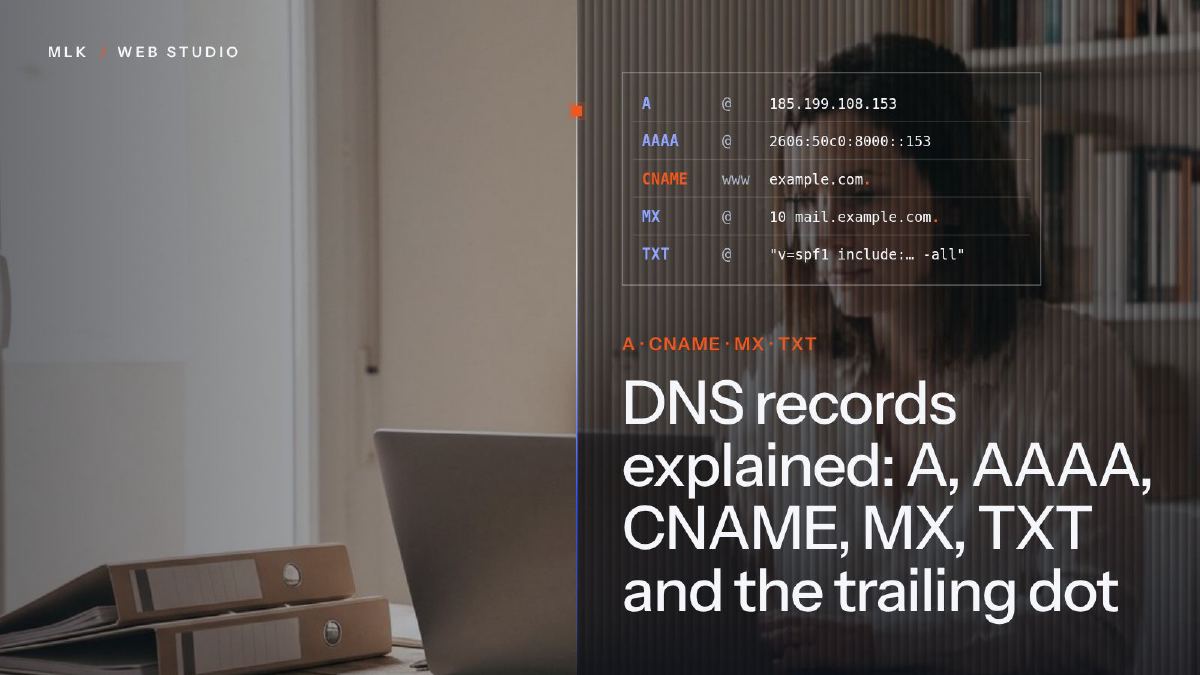 DNS records explained: A, AAAA, CNAME, MX, TXT and the trailing dot
DNS records explained in plain English: what A, AAAA, CNAME, MX and TXT records do, real examples, TTL, propagation and the trailing dot that breaks a CNAME.
DNS records explained: A, AAAA, CNAME, MX, TXT and the trailing dot
DNS records explained in plain English: what A, AAAA, CNAME, MX and TXT records do, real examples, TTL, propagation and the trailing dot that breaks a CNAME.
 Spaceship hosting explained: which product for which website, and how to start
Spaceship hosting explained: Web Hosting, EasyWP, Alf Website Studio, Hyperlift and cloud servers, what each costs in 2026, and how to launch your site.
Spaceship hosting explained: which product for which website, and how to start
Spaceship hosting explained: Web Hosting, EasyWP, Alf Website Studio, Hyperlift and cloud servers, what each costs in 2026, and how to launch your site.
 Build an app with AI without being a developer: what is realistic
Build an app with AI without coding: what you can make alone with Claude, Lovable or Bolt, and when to stop (personal data, logins, payments, upkeep).
Build an app with AI without being a developer: what is realistic
Build an app with AI without coding: what you can make alone with Claude, Lovable or Bolt, and when to stop (personal data, logins, payments, upkeep).